Burton OS
A complete secure OS for AI app builds and software deployments. Store valuable data locally with bank-level encryption. Keep it on-prem or deploy to a private cloud.
Burton OS is the whole machine: a hardened operating system for building AI applications, deploying software, and keeping the valuable data those systems produce. Burton is the top-billed application on that OS — the AI workspace. Rabun is the engine underneath. The Burton / Home Dashboard and household web apps are a separate layer, for daily use on the same host.
Run it on hardware in the office, a rack in the house, or a secure private cloud we manage. Self-hosted is free. Managed is a small fee. Either way, you keep the keys.
Securely store valuable data locally with bank-level encryption on-prem or in a secure private cloud.
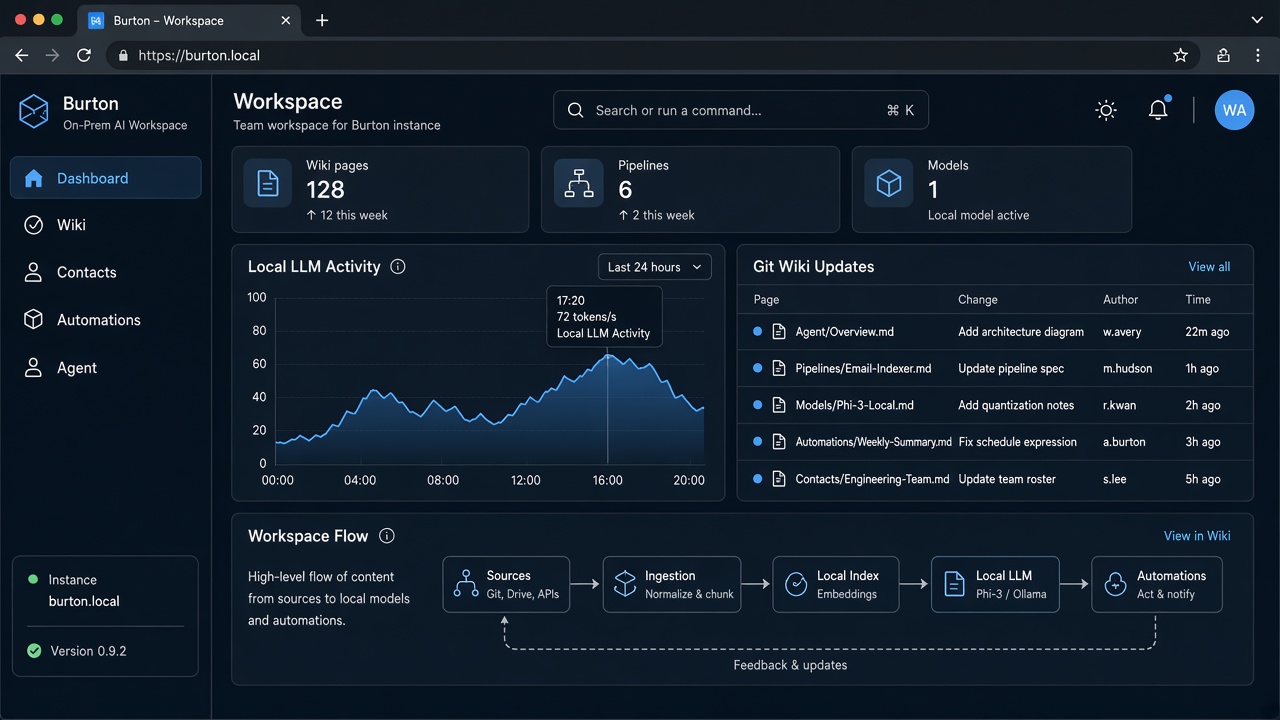
Burton
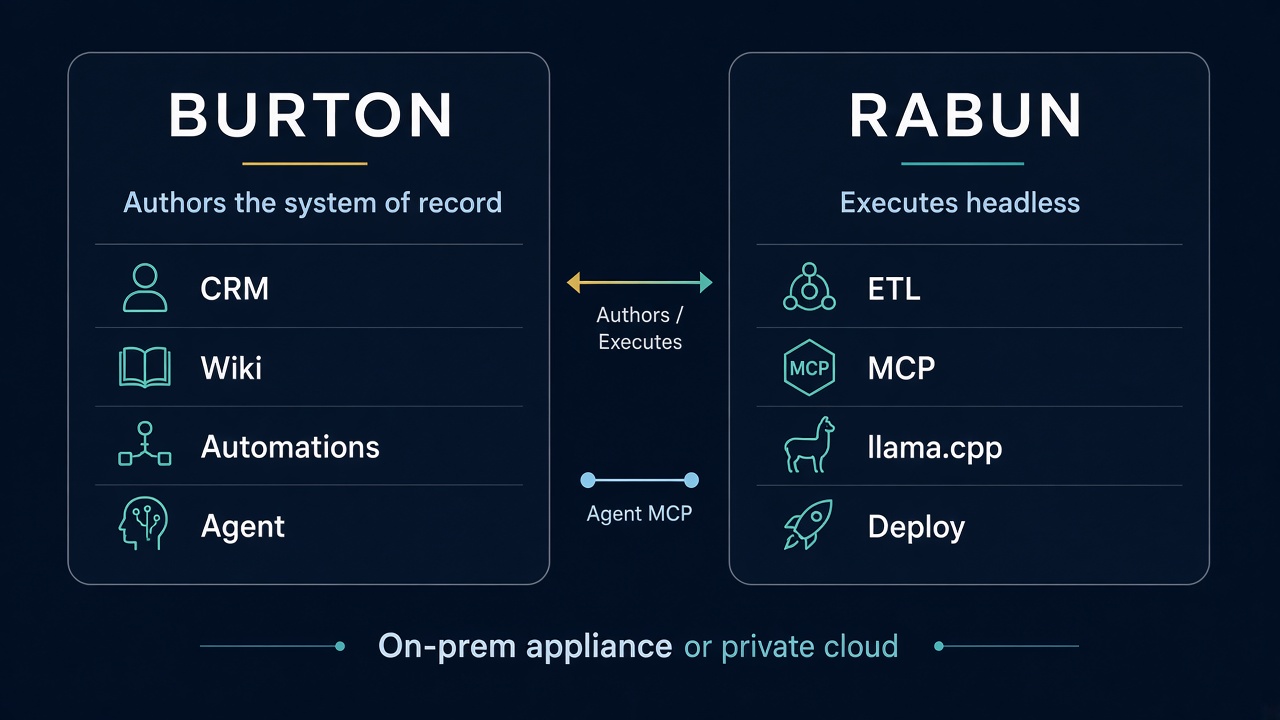
Burton is the AI workspace on the OS. Knowledge bases live as markdown in git. Teams get a CRM, automations, and an MCP server so agents work on the same files people edit. Plugins you do not need can be turned off.
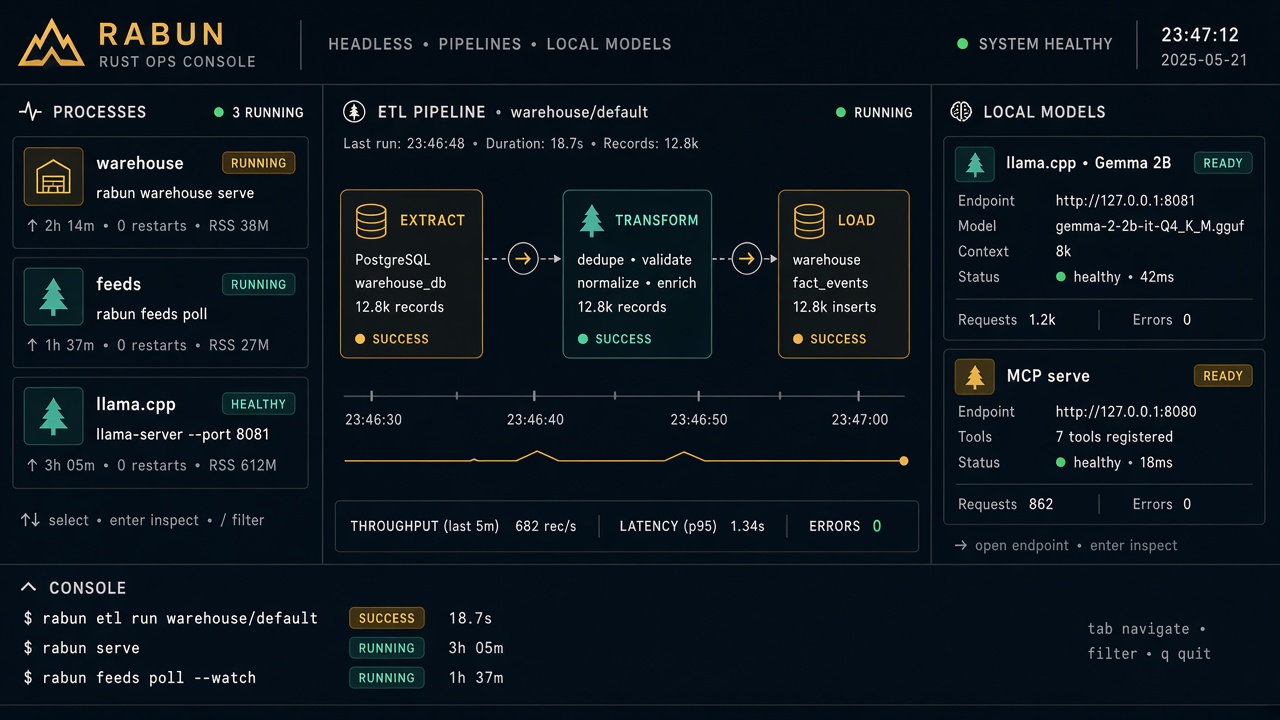
Rabun
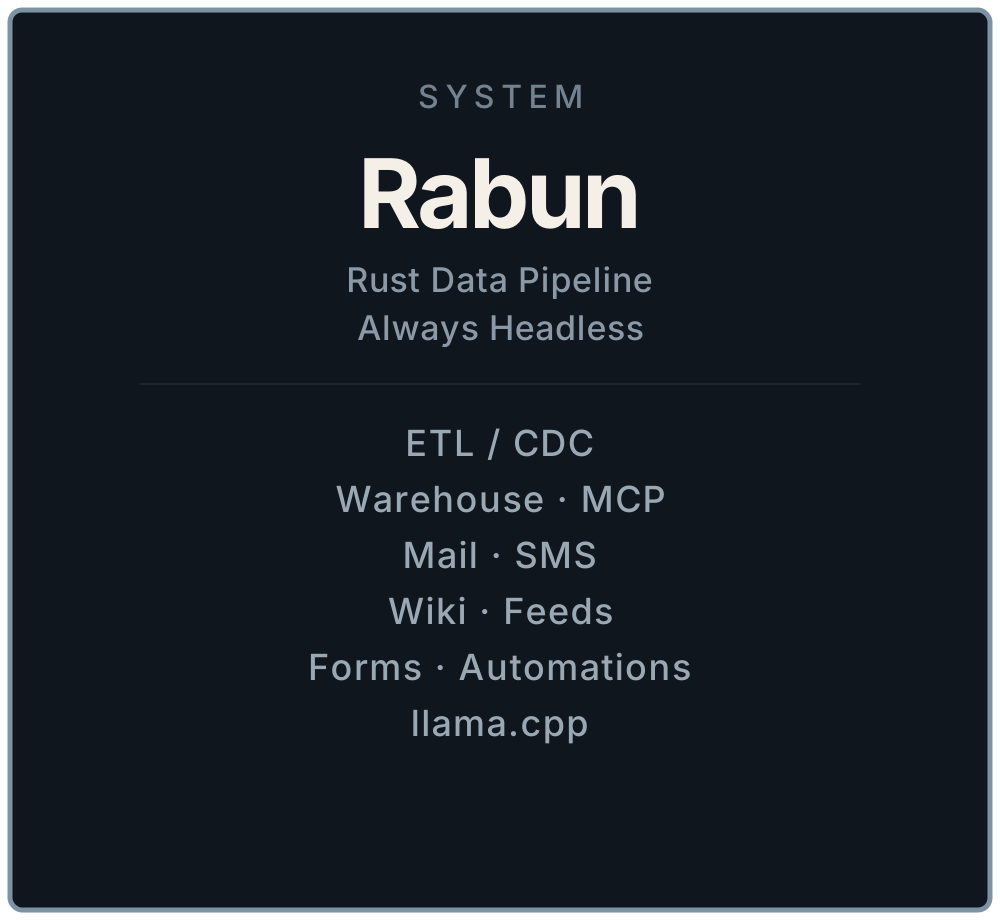
Rabun is the engine underneath. It orchestrates local models, ETL, wiki generation, companion CLIs, and software rollouts. Build an AI app, run a pipeline, ship a release — Rabun keeps those jobs on the host instead of sending the corpus out to train someone else's model.
How it works
Burton is the screen. Rabun is the engine. Together they are a kiosk-style OS: people walk up to a browser, a fullscreen window, or the workspace and work. They do not administer a pile of unrelated apps on that box.
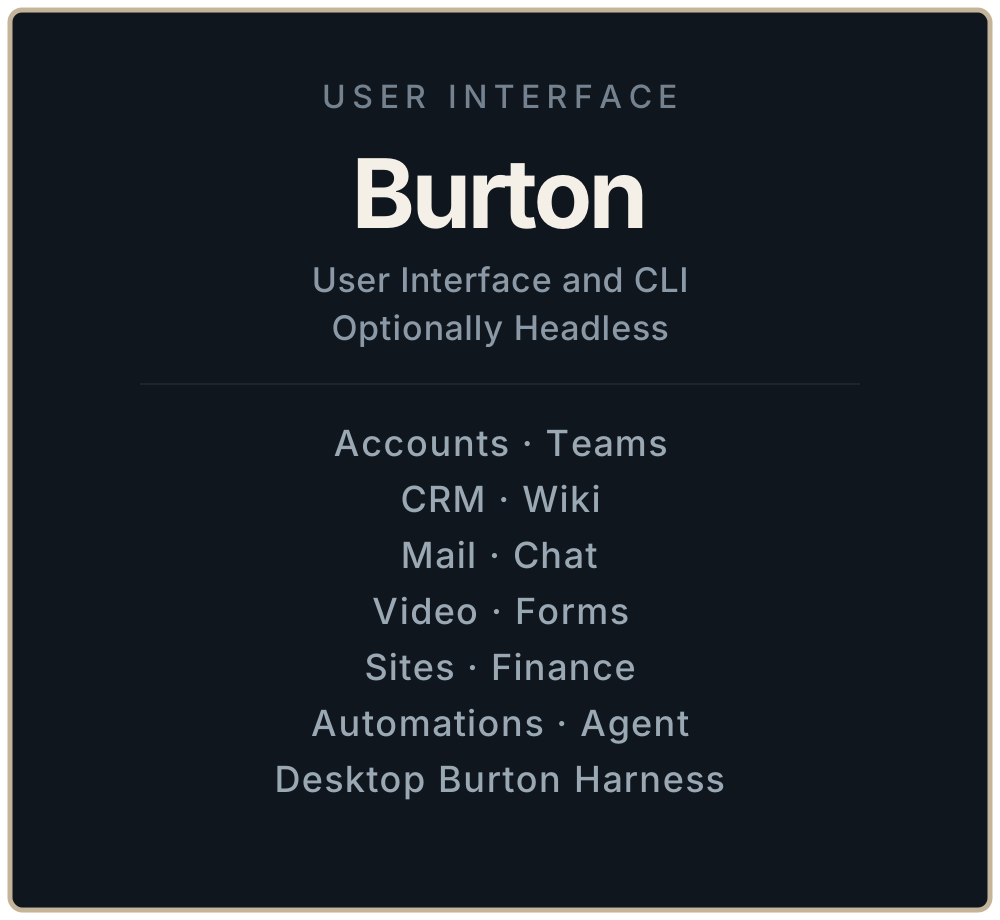
Authors / Executes. Burton writes the system of record — markdown wiki pages, workflow YAML, CRM, automations. Rabun and sibling CLIs claim that work, run local models, move data through ETL, and ship releases.
Agent MCP. The Agent pane lives in Burton. The model and tools run on Rabun. Secrets stay on workers. Burton HTTP stays on the host.
What it is for
- A complete secure OS for managing AI app builds and software deployments.
- Offline and on-prem LLM work: models and knowledge stay on hardware you control.
- Burton as the workspace, Rabun as the engine, on an appliance you control.
- An appliance: office, basement, or a private cloud we place and look after.
How it stays yours
Bank-level encryption, locally. Valuable data is stored on the machine with strong encryption at rest. Move that same store on-prem or into a secure private cloud; the encryption follows the disk, not a vendor account.
Zero trust authentication. Sign-in and device trust are explicit. A port on the LAN is not a pass.
Quiet by design. The OS is meant to feel local. Updates and services do not spend your disk and battery on telemetry.
Your keys. Self-hosted means you hold the machine. Managed means we rack it — on-prem or in a private cloud — and still do not collect your personal information.
What we do not do
We do not store or sell your data. We do not collect address information or any personal information. Burton OS does not need a public-cloud identity to run.
Burton / Home Dashboard
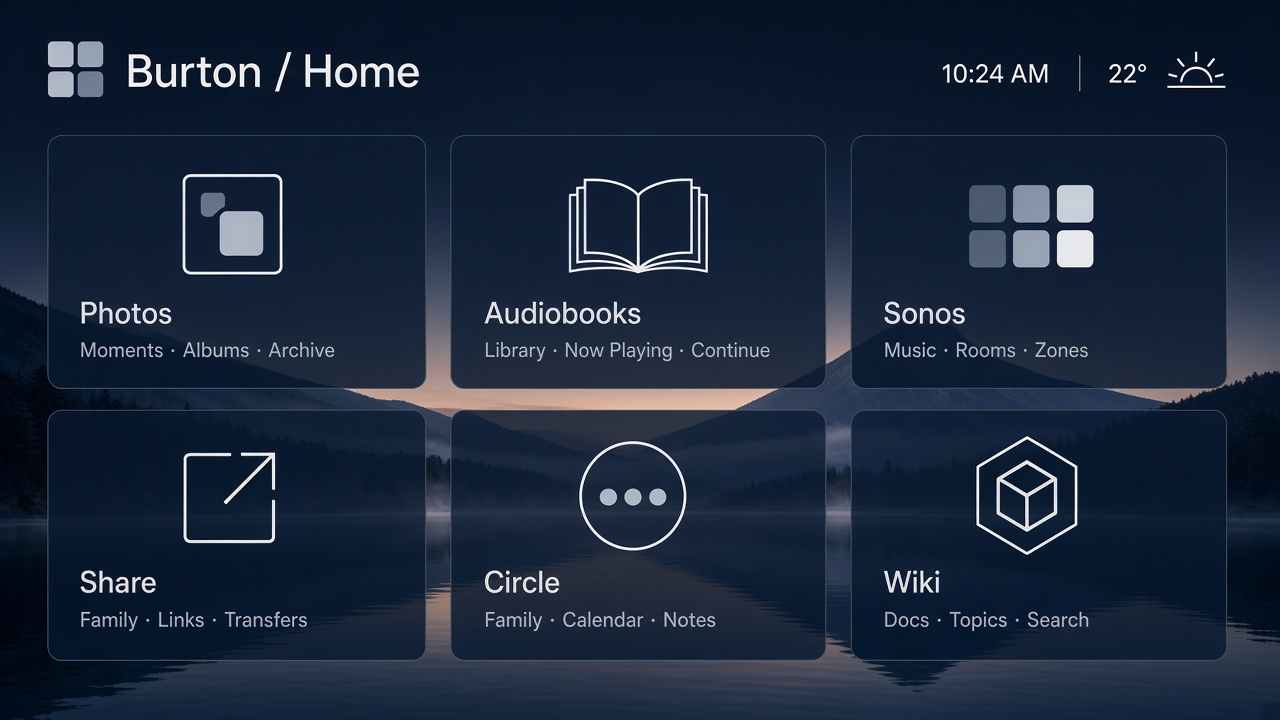
The Home Dashboard is not Burton or Rabun. It is the household launcher on the same OS: a grid of web applications that live on this host — Photos, Audiobooks, Sonos, Share, Circle — with a path back from each app. It is the control surface for daily tools, not the business workspace.
Those web applications run on the LAN under your hostnames. The same family of apps is listed at apps.burton.work. No cloud account is required to use them. The data stays on the box.